
Documentation
Competitors
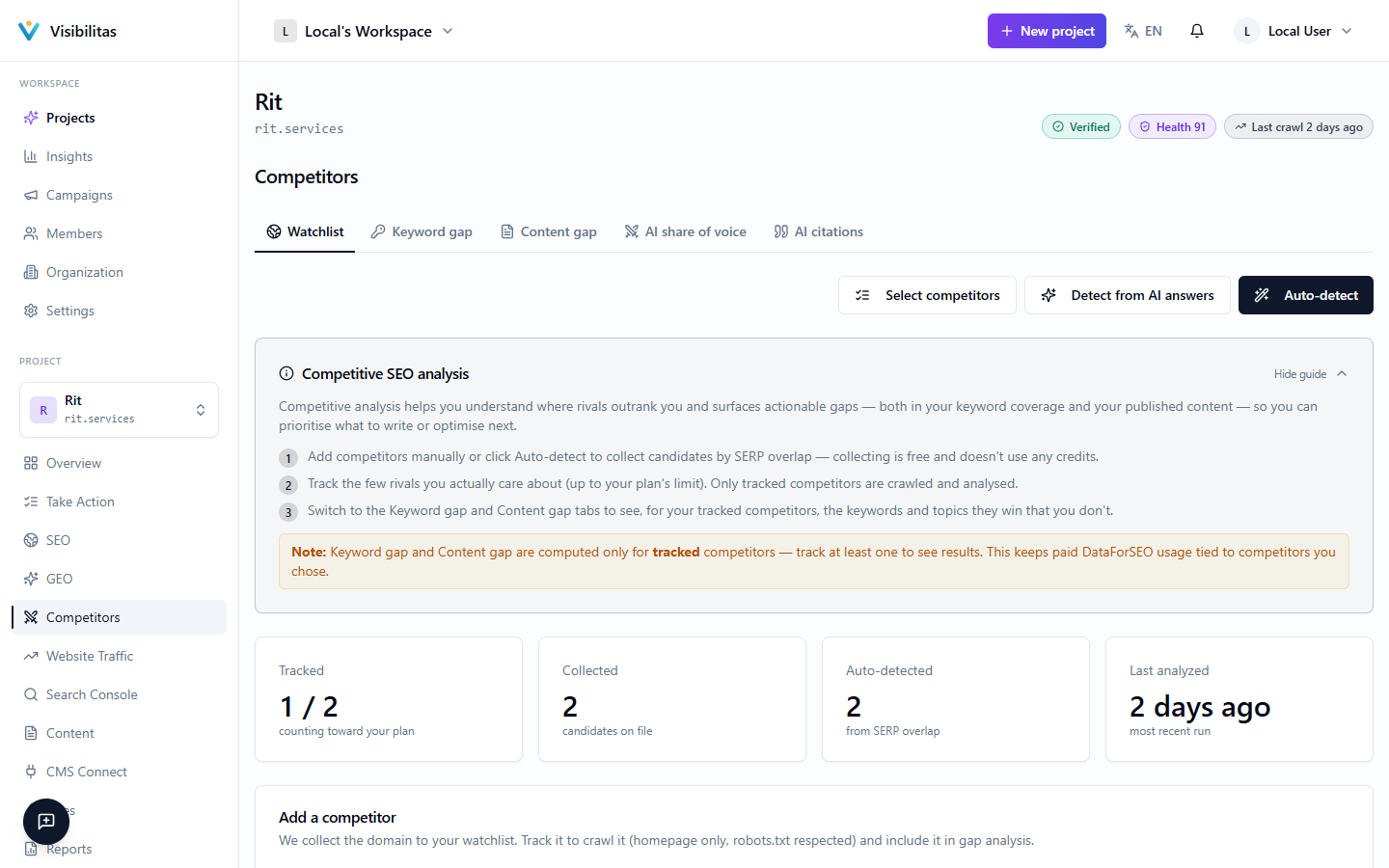
The Competitors section keeps one list of rivals for your search and AI work. It has four tabs, each answering one question: Rivals (who is ahead of you), Keywords they win, Topics they cover, and In AI answers.
Adding a rival to the list is free. Tracking it is the deliberate next step: only tracked rivals are crawled and compared with you, and tracking counts against your plan’s limit.
Finding and tracking rivals
The Rivals tab opens with a map of your tracked rivals. Across, the keywords a rival ranks top 10 for where you don’t; up, its share of voice in AI answers over the last 30 days; the bubble grows with the searches on those keywords. The dashed line is your own share of voice, so a rival above it is named more often than you.
Below the map, the list shows how many tracking seats your plan has left, then each tracked rival with the keywords it wins, the topics it covers and its AI share. Their keywords opens Keywords they win filtered to that rival. Suggestions sit underneath, each with the reason it was suggested: named in AI answers, ranking for your keywords, or added by you. Click Track to track one.
To add rivals, type a domain, or use Find rivals: By search overlap reads paid search data for your keywords and has an AI filter the result, and From AI answers reads the answers to your tracked prompts and uses your AI allowance. Tracking crawls a few of the rival’s pages (robots.txt respected) and adds it to the gap analysis. Removing a rival drops it from every comparison but keeps past gap analyses.
Keywords they win
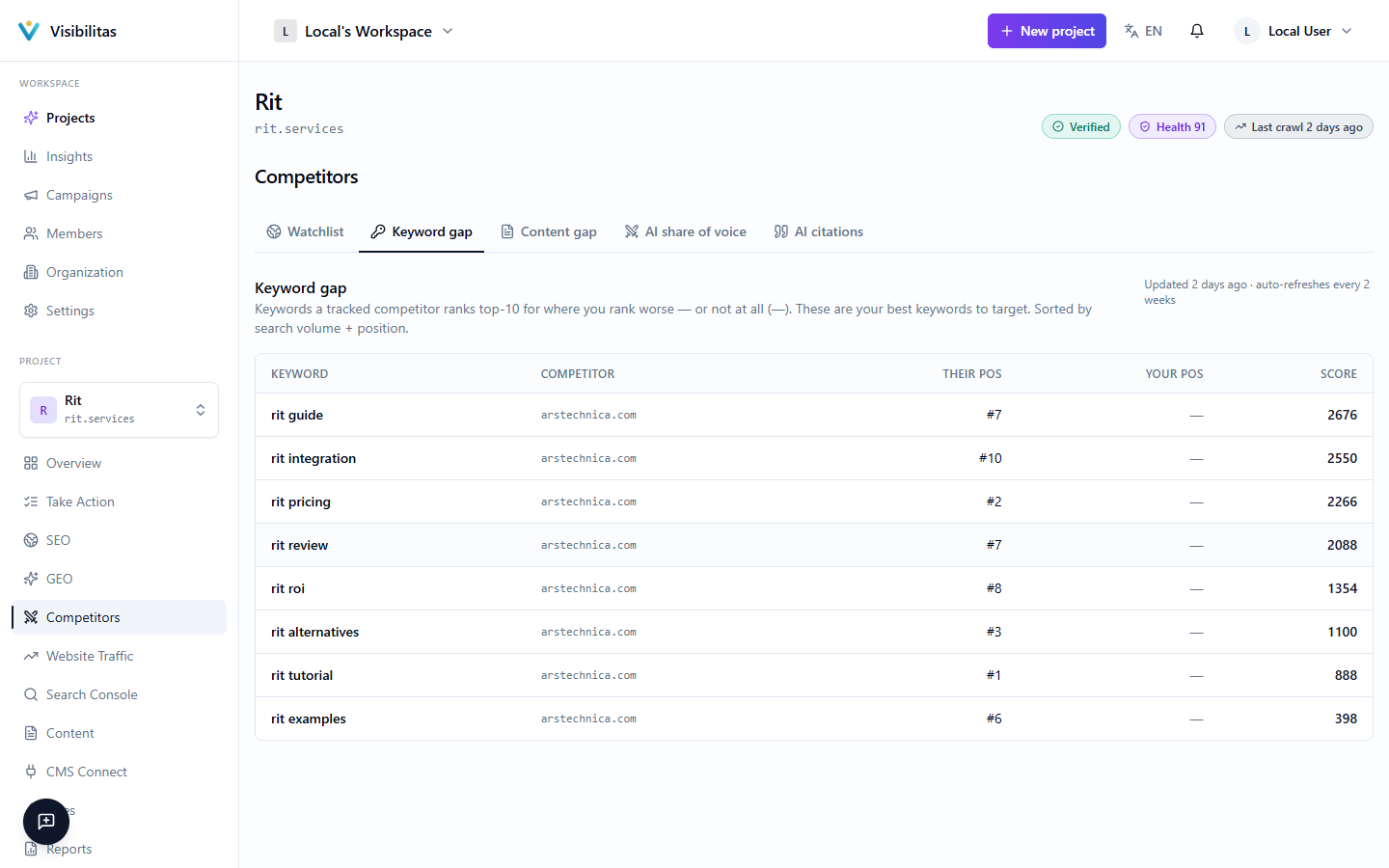
This tab shows the keywords your tracked rivals rank top 10 for where you rank lower or not at all, on the same map as your keyword pool: across, how hard the keyword is to rank for; up, what a click is worth; the bubble, its monthly searches. Each keyword is coloured by its grade (Quick win, Strong target, Stretch, Low value) and ringed when you already rank on page 2 or lower. Filter by grade, by market, or by one rival.
Pick a keyword to see who ranks where, why it got its grade and the next step. Improve your page opens the problems found on the page you already rank with; Write an article opens the article writer in the keyword’s market; Track keyword adds it to your tracked keywords, which counts toward your plan’s limit; Not for us hides it from both gap reports. The table below lists every keyword with your place, each rival’s place and the next step.
Opening this tab is free: it reads a stored analysis rather than buying data on every visit. The analysis runs again when you track or stop tracking a rival, and on your plan’s refresh cadence. If your monthly data limit is reached, the tab says so rather than showing old figures as new.
In AI answers
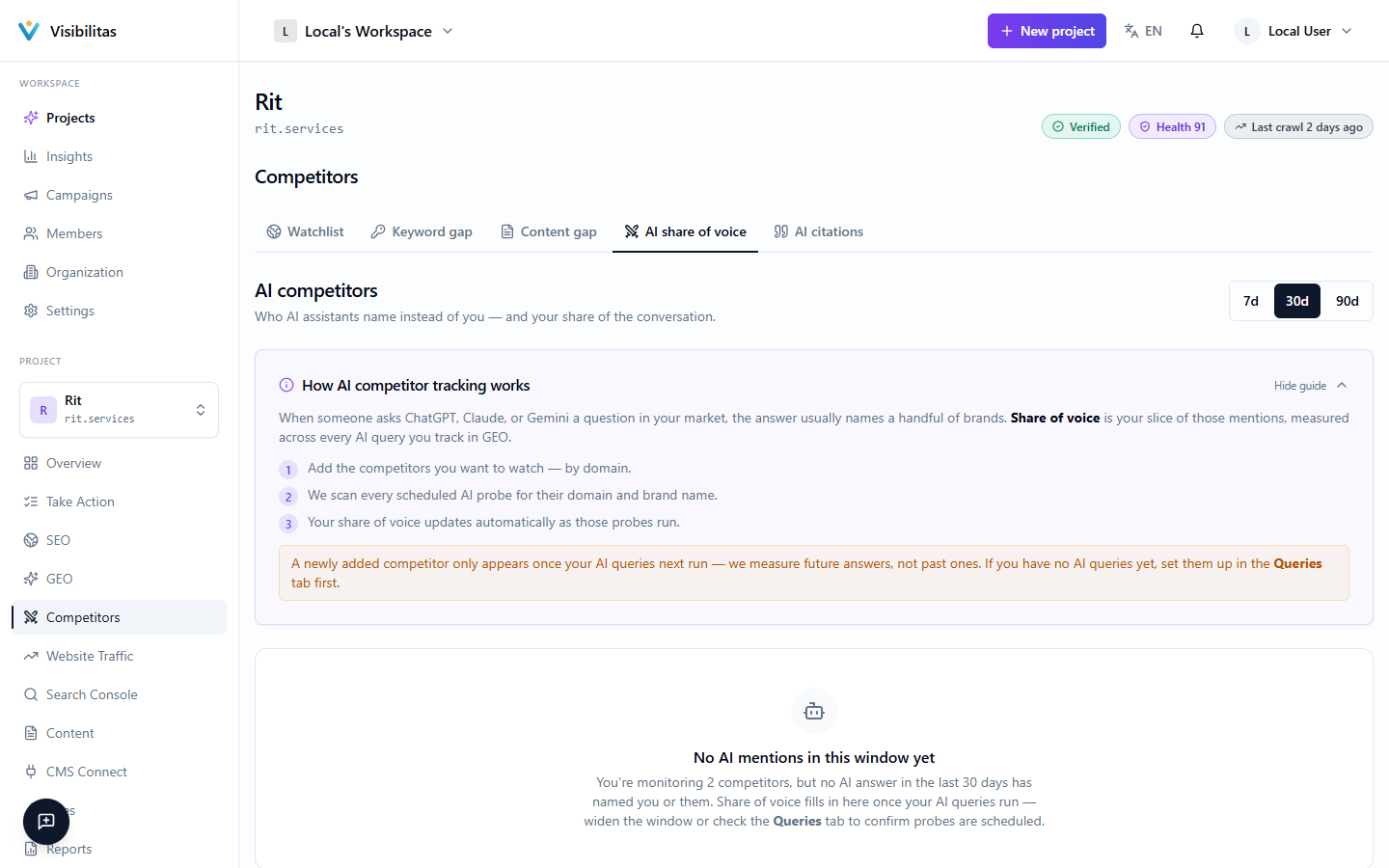
This tab reads the answers to your tracked prompts, over a 7, 30 or 90-day window and one prompt language at a time. Share of voice, week by week splits each week’s brand mentions into you, each tracked rival (in the same colour on every tab) and everyone else, so you can see whether you are catching up. Who each assistant names shows, per assistant, the share of its answers that named you and each rival, and says where the gap is widest.
Answers you lost, by question lists each tracked prompt with how many of its answers named a rival and never named you. Pick a number to read what the assistant said, with the page it cited; Write about this opens the article writer on that question. Opening the tab runs no prompts: it only reads answers already stored.
Topics they cover
This tab shows the topics your tracked rivals cover and you don’t, grouped by AI into one article each. Each topic is a tile as wide as its searches, summed over its keywords; darker tiles are covered by more rivals, and a tile says when the topic is already lined up in your schedule or written.
Pick a topic to see its keywords and the rivals that cover it. Write this opens the article writer in the topic’s market, Add to schedule lines it up for your schedule, and Not for us hides it from both gap reports.