Documentation
GEO Tracking
GEO stands for Generative Engine Optimization: making sure AI answer engines such as Claude, ChatGPT (GPT), and Gemini actually mention, cite, or recommend your brand when someone asks a relevant question. Traditional SEO earns you a ranking on a search results page; GEO earns you a place inside the AI-generated answer itself, which is increasingly where people stop looking any further.
The GEO section of your project runs a set of tracked prompts against those three models on a schedule, records whether your brand comes up in the answers, and turns the results into a citation score, a readiness score for how easy your site is for AI crawlers to read, and a prioritized roadmap of what to fix next.
Tracked prompt
Sent to Claude, GPT & Gemini
Citation detected
Score & roadmap
The GEO overview
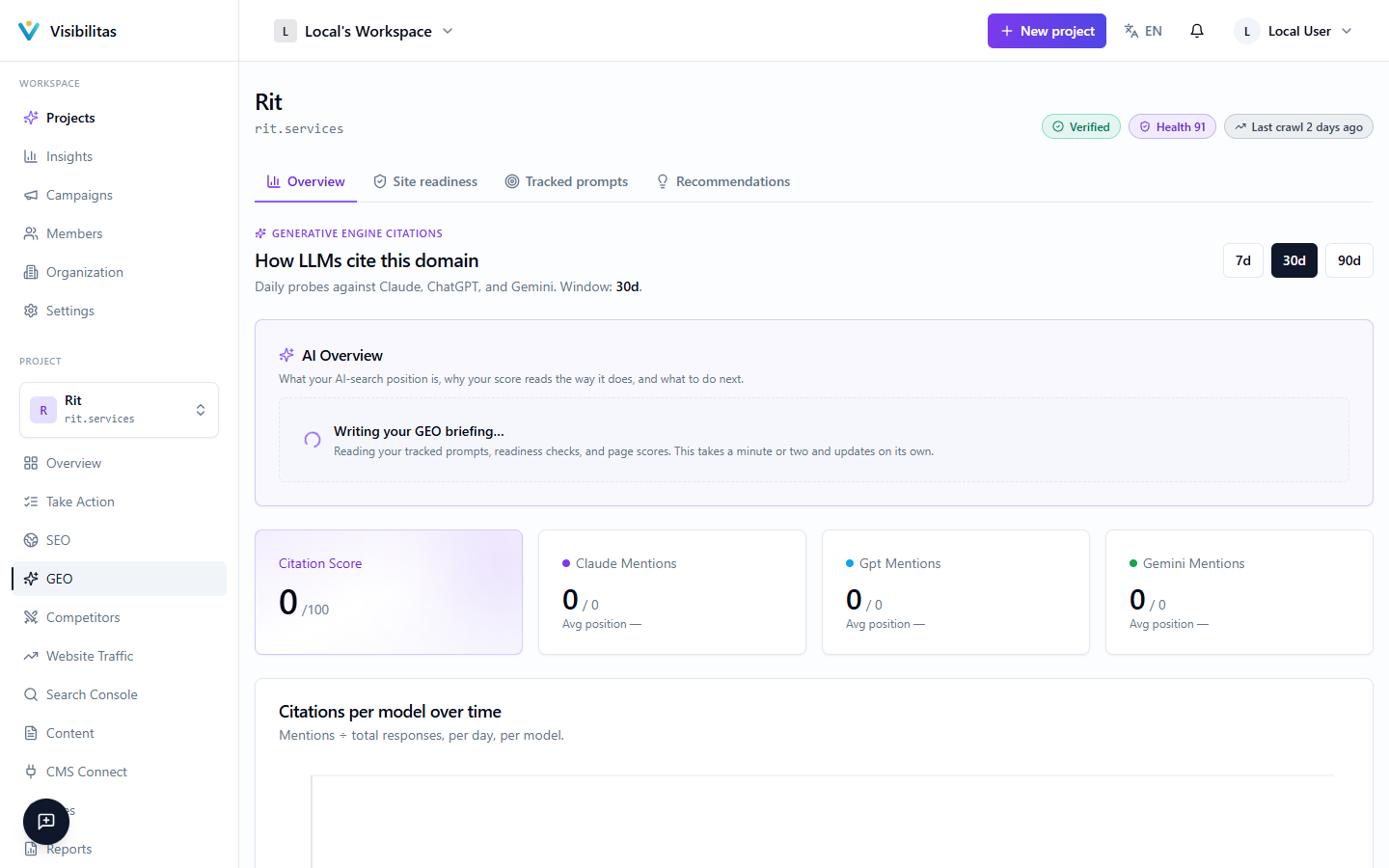
The Overview tab is the default landing page for GEO. It opens with your AI citation score (0–100) beside what it is made of. Each assistant (Claude, ChatGPT and Gemini) gets one bar in three parts: how often it names you (up to 45 points), how early in its answers (up to 30) and how positively (up to 25), with the answers behind it: “named in 12 of 30 answers, first in paragraph 1.4 on average”. The overall score is the average of the assistants asked; when only one or two were asked, that average counts for 70% or 85%. An answer is one of your questions put to one assistant in one run, however many paragraphs of it cite or name someone, the same unit the project home counts in. You can switch the window between the last 7, 30 or 90 days.
Below it, Week by week shows each assistant as one row of weekly cells, each saying how many of that week’s answers named you, shaded by the share. A single day held only one to three answers and jumped between 0 and 100%; a week is steadier. Weeks only partly inside the window are marked.
The AI Overview briefing, written on request, gives your posture and a short summary, with the full reasoning one click away. It also flags whether your tracked prompts themselves are well formed (a score built on a single prompt that just asks “do you know Acme?” isn’t measuring the same thing as one built on prompts a real customer would type) and links to the full roadmap.
The share of voice card compares how often the answers named you against each rival, and lists the sites named more often than you in the same window, including any not yet on your watchlist, with a link to the full competitor breakdown.
Tracked prompts & queries
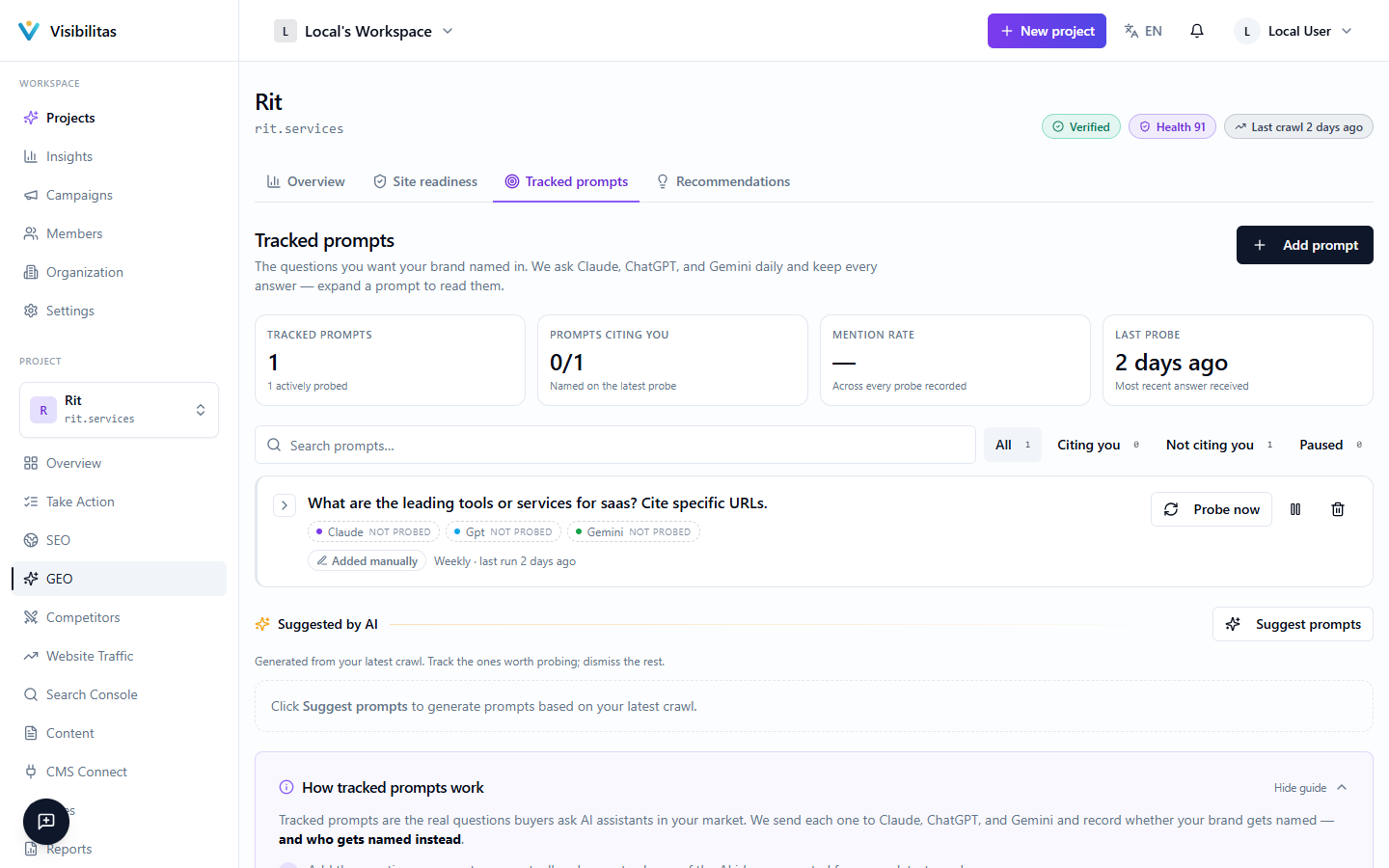
A tracked prompt is a natural-language question you expect a customer might ask an AI assistant, for example, "what's the best project management tool for small agencies?" Each prompt runs against the models you choose for it (Claude, GPT, Gemini) on a set frequency, though the cadence that actually runs is the slower of what you requested and what your plan allows. Prompts are grouped by language rather than by country, since an AI model has no location. A German prompt scores the same whether the visitor is in Germany or Austria.
On a brand-new project, prompts are generated automatically from your first crawl once it finishes, so you'll see a "generating" state briefly rather than an empty list. Beyond that, you can add prompts yourself or pull from AI-generated suggestions, each with a short rationale for why it's worth tracking: promote a suggestion to start tracking it, or dismiss it if it's not relevant.
The page opens with three figures over the prompts still asked: how many of their recent answers name you (the last 8 per prompt and assistant), how many prompts you mostly lose (named in under a quarter of their answers), and the rival named instead most often. Filters for cited, uncited and paused prompts, and a search box, sit above the list.
The prompts form a grid: one row per prompt and one column per assistant. Each cell is a strip of that assistant’s last 8 answers, oldest left: a filled square names you with a link to your site, a lighter one names you in the text only, a hollow one does not name you, and a dash is an answer not asked yet; beside it, how many of them named you. The last column lists the rivals those answers named instead of you. Probe now, pause and delete sit at the end of each row.
Opening a prompt shows each assistant’s latest answer, and its history as a timeline: a lane per assistant and a dot per answer, placed higher the earlier in the answer you are first named, hollow when you are not named. Click a dot to read that answer below: which assistant answered, whether your brand was mentioned, any competitors named, the answer’s sentiment, the URLs it cited (marked as yours or not) and the answer itself, or show every answer as a list. Only the paragraphs carrying a link or a brand mention are kept, so a long answer may show as a partial excerpt rather than the full text.
GEO readiness score
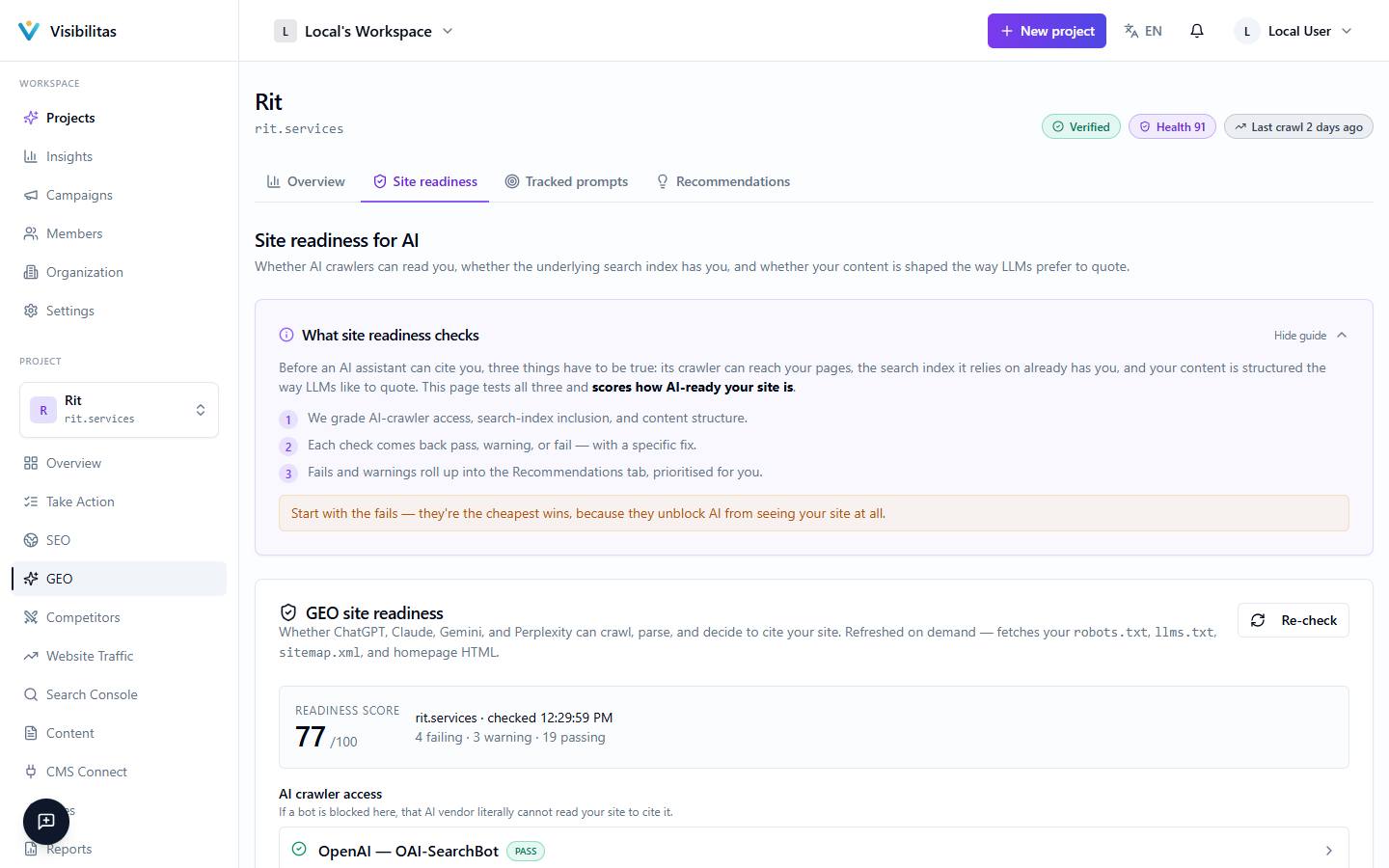
The readiness score measures how easy your site is for AI crawlers and answer engines to read and trust, separate from whether they currently cite you. Beside it, a ring shows how many checks pass, warn or fail; checks that could not be run are listed apart and never counted. The checks themselves form a matrix, one row per category: AI crawler access (whether bots like ClaudeBot, OAI-SearchBot, ChatGPT-User, Google-Extended and PerplexityBot may fetch your pages, one tile per crawler), search-engine inclusion (whether you are indexed by the engines AI tools lean on, such as Bing and Brave), discoverability, structured data, content style and content signals. Each check is a tile marked pass, warning, fail or not checked; click one to see what we found, why it matters and the concrete fix.
An expandable best-practices panel underneath gives copy-paste guidance: a sample robots.txt that explicitly allows the AI crawlers listed above, and a template for an llms.txt file that summarizes your site for AI tools the way a sitemap does for search engines. You can re-run the checks at any time with the Re-check button, and download them as CSV.
A second card grades individual crawled pages for quotability, as a grid: one row per page, worst format score first, and one column per signal (an answer-first opening, H2 sections, tables, schema, lists, an FAQ, a date and author). Each cell shows the figure the signal was graded on, such as the opening’s word count or the number of H2 sections, coloured by its grade; each column ends with how many pages need work, and how to fix each signal is written once below the grid. This analysis re-fetches pages live, so it only runs when you ask for it.
Recommendations
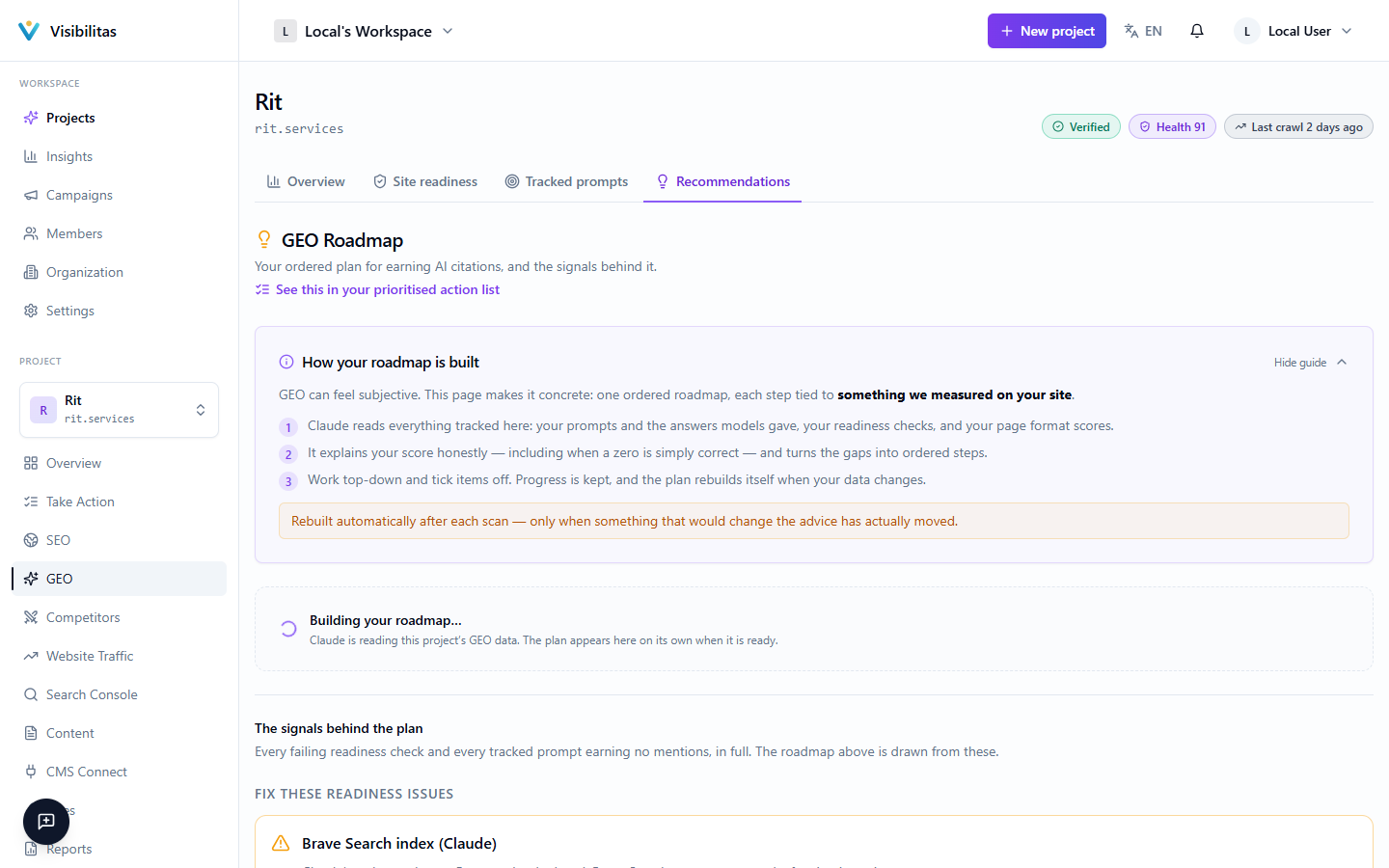
The Recommendations tab leads with a generated roadmap: an ordered set of steps written for your site, drawn as a board. Each step is a numbered bubble placed by its impact (high, medium, low) and effort (quick, moderate, involved), so the corner marked Start here, high impact and quick, is where to begin. A dashed ring marks a step that depends on someone outside your team (for example, getting listed somewhere), a "?" one whose signal is uncertain enough to verify first, and a ✓ a step that is done. Beside the board the steps are listed in order with their category (crawler access, discoverability, content, structure, authority). A posture badge (from absent to leading) summarizes where the roadmap judges you to stand, above a two-line summary you can open in full.
Click a step on the board or in the list to see it in full below: its concrete first step, a short explanation, its ratings and the page it is about. The page opens on the first step still to do. You can mark a step done or not relevant; done steps stay on the board with a ✓, and steps marked not relevant are kept in a collapsed list beside it, so progress is visible over time. A step the latest readiness check shows as done is marked so on its own. The title says how many steps are done, and you can export the whole roadmap as a CSV or regenerate it once your site or scores have changed.
A prompt audit section reviews the tracked prompts themselves (flagging any that are poorly worded with a suggested rewrite, and proposing additional prompts worth tracking), with a link back to Tracked prompts to act on them.
Below them, one short card says what the plan is drawn from: how many readiness checks need work, with a link to Site readiness, and how many tracked prompts have never named you, with a link to Tracked prompts. Where the Bing, Brave or Wikipedia check fails, it also holds the step-by-step submission guide for it.