
Documentation
SEO Dashboard & Site Health
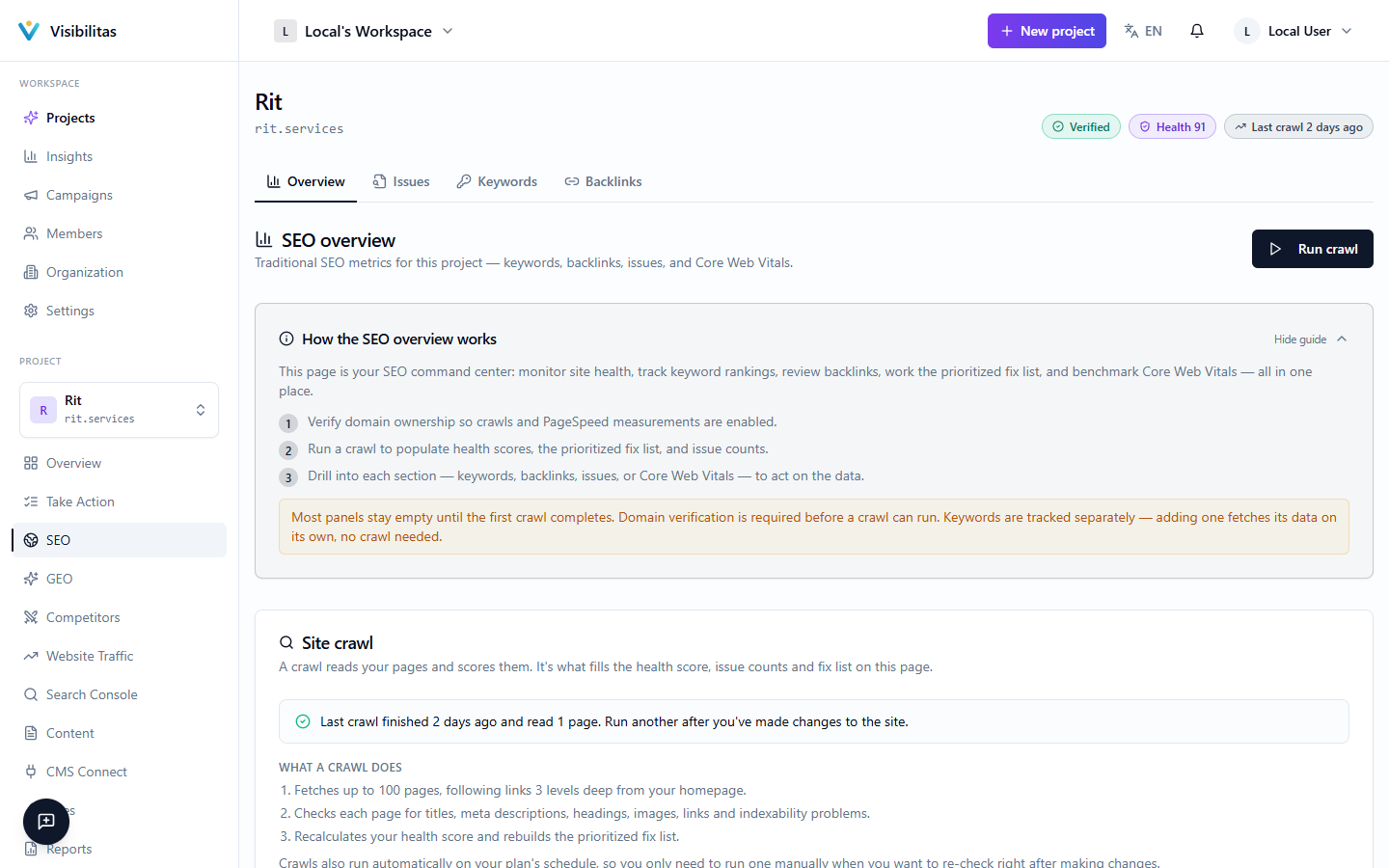
Every project has a dashboard that answers one question at a glance: how healthy is this site right now? It combines a single health score, the open problems with what to fix first, and quick snapshots of your keywords, backlinks, and Core Web Vitals, all built from your most recent crawl.
Nothing on the dashboard is guessed: the score and every issue come from actually fetching your pages and measuring them against a fixed set of checks. Before any of this can run, your domain has to be verified so we know you actually own the site we're about to crawl.
Crawl your site
Score every page
Raise issues
Fix first
The SEO dashboard & site health score
The top of the dashboard draws your site at a glance: your health score (0–100) with its trend and where its missing points go, the open problems by severity, your keywords on Google, your backlinks, your recent crawls, and your homepage's Core Web Vitals. Each is a small chart with every number written beside it, and each links through to its full page, so the dashboard is a starting point, not a dead end.
The health score is a weighted average across nine signals measured on every crawled page: title length and page speed each count for 18% of the score, AI/crawler readability (whether your content is visible without JavaScript) counts for 15%, meta description quality and content depth each count for 14%, and single H1 usage, image alt text coverage, mobile-friendliness, and structured data (schema) each count for 8–10%. An info icon next to the score breaks down these weights so you can see exactly what's pulling the number down.
Below them, Fix first lists the five open problem types to start with, in the same order as the issues list: the most severe first, then those on the most pages. Each row says who fixes it: Visibilitas, where it can write the fix (and where that fix stands), or you, your web developer or your hosting company. If your domain isn't verified yet, a banner walks you through verifying it via a DNS TXT record or a meta tag before any crawling can start.
How crawling works
Each check is a BullMQ job that walks your site breadth-first from the homepage, following internal links up to three levels deep and up to 100 pages by default. It respects your site's robots.txt: pages disallowed there are skipped and listed separately, and it waits between requests to the same domain so it doesn't hammer your server. It also looks for an XML sitemap, either from a `Sitemap:` line in robots.txt or at the default `/sitemap.xml` location, and uses it to check whether your indexable pages are actually listed there.
If a page comes back blocked (a 403, a 429, a Cloudflare challenge, a captcha, or a generic "bot wall"), the crawler first retries once with a more browser-like identity before giving up on that page or, if configured, falling back to a rendering proxy that can get past JavaScript-based defenses. Pages that look almost empty when fetched directly are also re-rendered once through that same proxy, which is how the dashboard can tell you when your content only appears after JavaScript runs, invisible not just to some search crawlers but to the AI answer engines this product tracks.
Checks run on a schedule once your domain is verified, and only one runs per project at a time. The dashboard's crawl panel shows live status while it's in progress and keeps a short history of your last five runs, noting how many pages were crawled and whether the fallback proxy had to be used. Running a crawl does not refresh your keyword rankings or backlink data; those come from separate processes.
How scoring and checks work
Every crawled page gets its own score from the same nine weighted signals described above, each scored against a specific target: titles are scored best between 50–60 characters, meta descriptions between 140–160, content depth ramps up to a full score around 1,500 words (with anything under 300 words flagged as thin), and server response time scores best under 600ms and drops to zero past 5 seconds. Your project's overall health score is simply the average of every page's score.
Separately from the score, the same crawl surfaces individual issues: things like a missing title or `<h1>`, images without alt text, broken internal links, mixed HTTP/HTTPS content, pages set to `noindex`, missing HSTS headers, or render-blocking scripts in `<head>`. Each issue carries a severity (critical, warning, or notice). Issues of the same type are grouped, and the groups are ordered most severe first, then by how many pages they affect: that is the order of the issues list and of Fix first on the dashboard.
Beyond individual pages, the crawl also runs site-wide checks: whether a sitemap exists at all, whether indexable pages are missing from it, whether any noindexed pages are contradictorily still listed in it, and whether robots.txt declares a sitemap location. It also compares pages against each other to catch duplicate titles, duplicate meta descriptions, and canonical tags that collapse multiple distinct pages onto the same target, problems that no single page's score could reveal on its own.